How Do I Set Up Auto-Pay for My LUMA and AAA Bills?
Moving to Puerto Rico, you quickly realize that managing household bills can be a bit of a dance, especially when you're used to the seamless, often invisible processes of the mainland. Remembering due dates, deciphering statements, and navigating online portals (or even physical payment centers!) for your electricity (LUMA) and water (AAA) can feel like a part-time job. This guide is here to walk you through the real-world steps of setting up auto-pay for your LUMA and AAA bills, saving you headaches and potential late fees, so you can focus on enjoying island life.
The Real Frustration of Manual Utility Payments in Puerto Rico
Let's be honest, for many of us coming from the mainland, the idea of having to actively think about paying utility bills each month is a blast from the past. We've become accustomed to everything being automated, digitized, and often, just plain easy. Here in Puerto Rico, while progress is being made, the utility payment landscape can still feel a bit… manual. And that's okay, once you know how to navigate it, but it certainly takes some getting used to.
The challenges are multifaceted. For starters, the mail system can be a bit inconsistent, meaning your physical bill might arrive late, or sometimes not at all. This isn't just an inconvenience; it can genuinely cause you to miss a payment simply because you never received the reminder. Then there's the sheer act of paying. Driving to a physical office, dealing with queues, or even just trying to log into an unfamiliar online portal can be stressful, especially if there are language barriers or technical glitches involved. Many new residents arrive and feel overwhelmed just trying to get these basic services connected, let alone figuring out the payment system. This is a common pain point, and I've certainly been there, staring at a bill wondering if I should try to pay it online, at a bank, or at one of the scattered payment centers. It's a journey, not a sprint, my friends.
Setting Up Auto-Pay for LUMA Energy (Electricity)
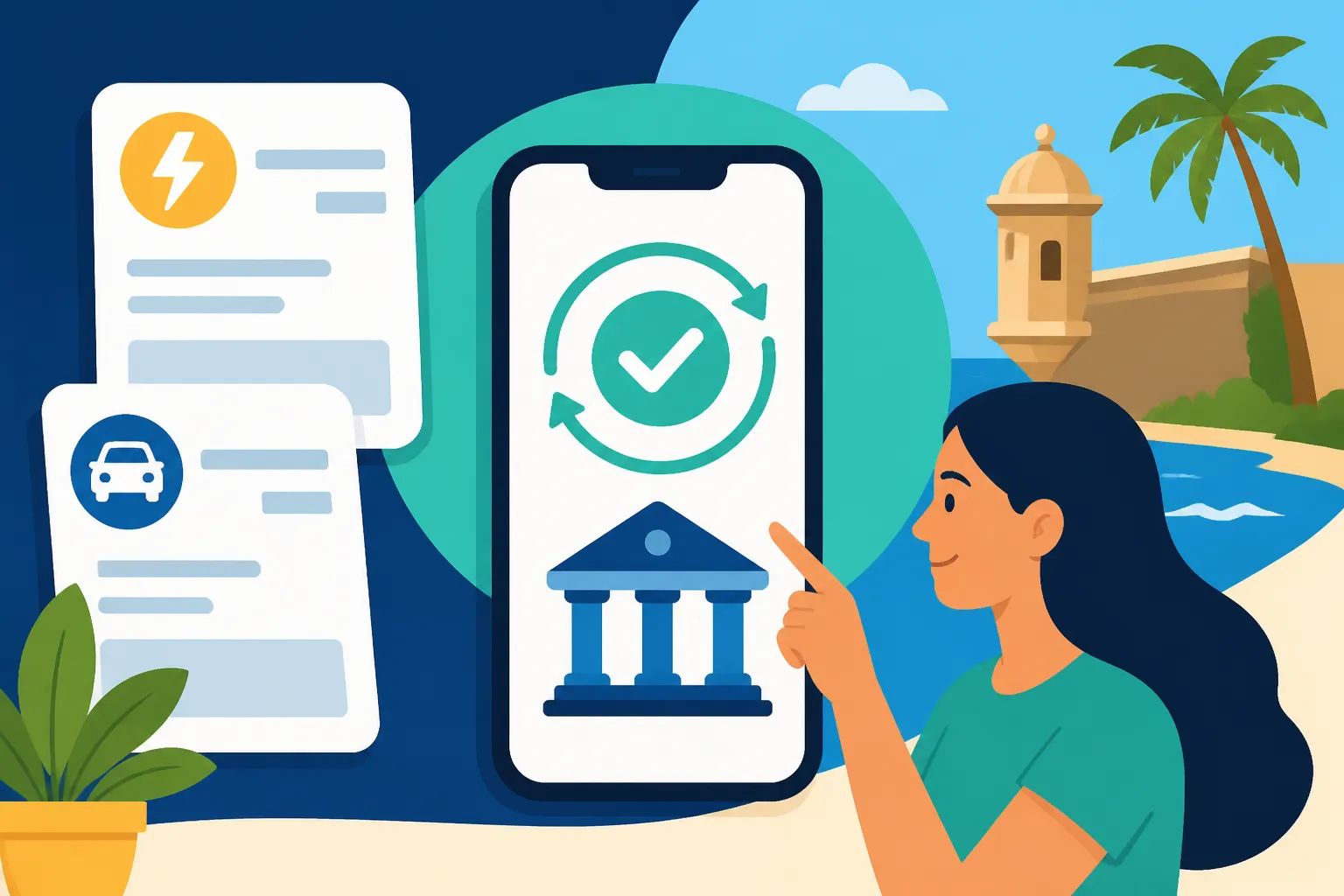
LUMA Energy, the company responsible for Puerto Rico's electricity transmission and distribution, has been on a journey of modernization, and thankfully, their online portal has come a long way. Setting up auto-pay for your electricity bill is one of the biggest time-savers you can implement as a resident.
Navigating the LUMA Online Portal
First things first, you'll need to register for an account on the LUMA Energy customer portal. This is usually done shortly after you've successfully had your electricity connected, which in itself can be an adventure. Once you're in, the process for auto-pay is generally straightforward, but attention to detail is key. You'll need your LUMA account number, which you can find on any of your previous bills or sometimes on the initial connection paperwork.
Here’s a step-by-step breakdown:
- Access the LUMA Portal: Go to the official LUMA Energy customer portal. If you haven't registered yet, look for the "Register" or "Sign Up" option. You’ll typically need your LUMA account number, an email address, and to create a password.
- Log In: Once registered, log in to your account. Your dashboard will usually show your current balance and payment history.
- Find Auto-Pay Settings: Look for a section like "Payment Options," "Billing Preferences," or "Auto-Pay." The exact wording might vary, but it's usually prominent.
- Add Payment Method: You’ll be prompted to add a payment method. This usually involves entering your bank account details (checking or savings account number and routing number) for direct debit, or a credit/debit card number. For most expats, a bank account linked to a local Puerto Rico bank is the most reliable option. If you're still navigating your finances, remember that setting up a local bank account early on is crucial. For guidance on that, check out our piece on The Newcomer's Guide to Opening a Bank Account in Puerto Rico.
- Authorize Auto-Pay: Review the terms and conditions, confirm that you authorize LUMA to automatically deduct your bill amount on or around the due date. You'll usually receive an email confirmation once auto-pay is successfully set up.
What to Watch Out For with LUMA Auto-Pay
While auto-pay is fantastic for peace of mind, it’s not entirely "set it and forget it" in Puerto Rico. It is advisable monitoring your account for the first few billing cycles after activation. Ensure that the payments are actually going through as expected. Sometimes, especially with new systems, a hiccup can occur. For instance, an expired credit card or a change in bank accounts could cause a payment to fail. LUMA usually sends email notifications if a payment fails, but it’s good practice to log in once a month just to be sure. Also, remember that your initial bill for a new service might be higher due to connection fees or a partial month's usage, so be prepared for that first automated deduction. Having a reliable internet connection is crucial for this and other online tasks; consider portable Wi-Fi options or local providers when you first arrive. For some good tips on staying connected, you might want to look into services like Airalo for eSIM data plans if you're traveling frequently or need a backup.
Setting Up Auto-Pay for AAA (Autoridad de Acueductos y Alcantarillados) Water Bills
Just like electricity, ensuring your water bill is paid on time can be a source of stress if you're doing it manually. AAA, Puerto Rico's water authority, also offers an online portal that supports auto-pay, though some residents report it can be a bit more temperamental than LUMA's. Patience is definitely a virtue here!
Navigating the AAA Online Portal
Similar to LUMA, the first step is to register on the AAA customer portal. You’ll need your AAA account number, which is prominently displayed on any of your water bills. It's often a longer number, so double-check it.
Here’s a breakdown of the process for AAA:
- Access the AAA Portal: Head to the official AAA customer portal. If you're a new user, you'll need to register. This usually involves your AAA account number, a personal identification number (often the last four digits of your Social Security number or an assigned PIN), and setting up your login credentials.
- Log In: Once registered, log in to your account. You should see your current bill and account summary.
- Locate Auto-Pay Option: Search for options related to "Pagos Automáticos" (Automatic Payments) or similar. It might be under a "Mi Cuenta" (My Account) or "Facturación" (Billing) section.
- Enter Payment Information: You'll typically be asked for your bank account details for an ACH debit. Credit card options might be available but direct bank debits are common for utilities here. Make sure all numbers are correct.
- Confirm Auto-Pay Enrollment: Read through the authorization and confirm your enrollment. You should receive a confirmation email or see a confirmation message on the screen.
Common AAA Auto-Pay Quirks to Anticipate
AAA's online services, while functional, can sometimes present a few quirks. Some users have reported needing to re-enter payment information periodically, or encountering occasional issues with the website itself. Don't be surprised if the interface feels a little less polished than what you might be used to. It's a known part of the experience for many residents. Just like with LUMA, keeping an eye on your bank statements or logging into your AAA portal monthly to confirm payments is a good habit to develop. If you find yourself in a situation where you're unsure if a payment went through, it's always better to call their customer service or visit a local office than to risk disconnection. For more comprehensive insights into how these services work, you might want to read Understanding Water Service (AAA) and Bills in Puerto Rico or How to Pay Your LUMA and AAA Bills Online in Puerto Rico.
Common Challenges and Best Practices for Auto-Pay in Puerto Rico
Even with auto-pay set up, there are a few things that can trip you up. Being prepared for these eventualities is part of becoming a seasoned expat in Puerto Rico.
What Happens When Auto-Pay Fails?
Life happens. Sometimes an auto-pay might fail. The most common reasons include:
- Insufficient Funds: Your bank account didn't have enough money when the payment was attempted. This will typically incur a fee from both your bank and the utility company.
- Expired Payment Method: If you're using a credit or debit card, it might have expired. Bank account numbers rarely change, but routing numbers can in rare circumstances.
- Bank Account Changes: If you've switched banks or closed an account, you'll need to update your auto-pay details immediately.
- Technical Glitches: Less common, but sometimes the portals themselves can have issues.
When a payment fails, LUMA and AAA will usually send you an email notification. It's crucial to act on these quickly. You'll need to log in, correct the payment method, and make a manual payment to avoid service interruption and late fees. Don't assume the email is spam – it could be saving you from a world of hassle.
Monitoring and Reconciliation
My best advice? Don't completely "set it and forget it." Log into your LUMA and AAA accounts once a month, just to confirm that the auto-payment has been processed. Compare the amount deducted with the bill amount to ensure there are no discrepancies. This takes only a few minutes but can save you from bigger problems down the line. You can also set up calendar reminders on your phone for a few days before the typical due date to check your accounts. This small proactive step can be a lifesaver.
| Utility Service | Online Portal URL (Example) | Auto-Pay Method(s) | Key Information Needed | Monitoring Tip |
|---|---|---|---|---|
| LUMA Energy | LUMA Energy Customer Portal | Bank Account (ACH), Credit/Debit Card | LUMA Account Number, Bank/Card Details | Check email confirmations, log in monthly |
| AAA | AAA Customer Portal | Bank Account (ACH) | AAA Account Number, PIN/SSN, Bank Details | Log in monthly, verify bank deductions |
Seeking Assistance
If you run into persistent issues with setting up or maintaining auto-pay, don't hesitate to reach out to the utility companies directly. Be prepared for potential hold times or language differences; having a friend who speaks Spanish fluently on hand can be incredibly helpful. You might even find it necessary to visit a customer service center in person if online or phone support isn't resolving your issue. While this isn't ideal, sometimes a face-to-face interaction is the most effective way to solve a complex problem here. When you're in the midst of a big move, figuring out all these little administrative details can feel overwhelming. Services like Sirelo can be really useful for planning your entire relocation, often providing resources or advice on these types of setup processes.
Ultimately, setting up auto-pay for your LUMA and AAA bills is one of the foundational steps to truly settling into life here. It frees up mental space, reduces stress, and helps you avoid unnecessary fees. It's a small administrative win that yields big rewards in terms of peace of mind. For other crucial steps in your first few months on the island, check out our guide, The Complete Guide to Moving to Puerto Rico: Your First 90 Days (2027), or if you're just starting your planning, our The Complete Relocation Checklist for Moving to Puerto Rico (2027). These resources are designed to help you navigate all the unique aspects of becoming a resident.
Disclaimer
The information provided in this guide is for general informational purposes only and is subject to change. While we strive to keep the content up-to-date and accurate, utility services, policies, and online portals in Puerto Rico can evolve. Always refer to the official websites of LUMA Energy and AAA or contact their customer service directly for the most current and specific instructions related to your account.